 rckgames.rckhosting.com →
Your games.
One launcher.
RCK Launcher installs, updates and plays every RCK Games title you own. Sign in with your RCK Games account and your library is right there.
The launcher download is being updated. Check back in a few minutes.
↓Install in one clickBought a game? It shows up in your library ready to install.
⟳Always up to dateGame updates download on their own. Pause and resume any time.
▶Play from the launcherYour CD key activates automatically. Play time is tracked for you.
★Store and salesSee new releases, news and sales without leaving the app.
Getting started
- Download and open RCK Launcher.exe. It installs itself and adds Start Menu and Desktop shortcuts.
- Sign in with your RCK Games account (the same one you use on the website).
- Open Library, pick a game and press Install, then Play.
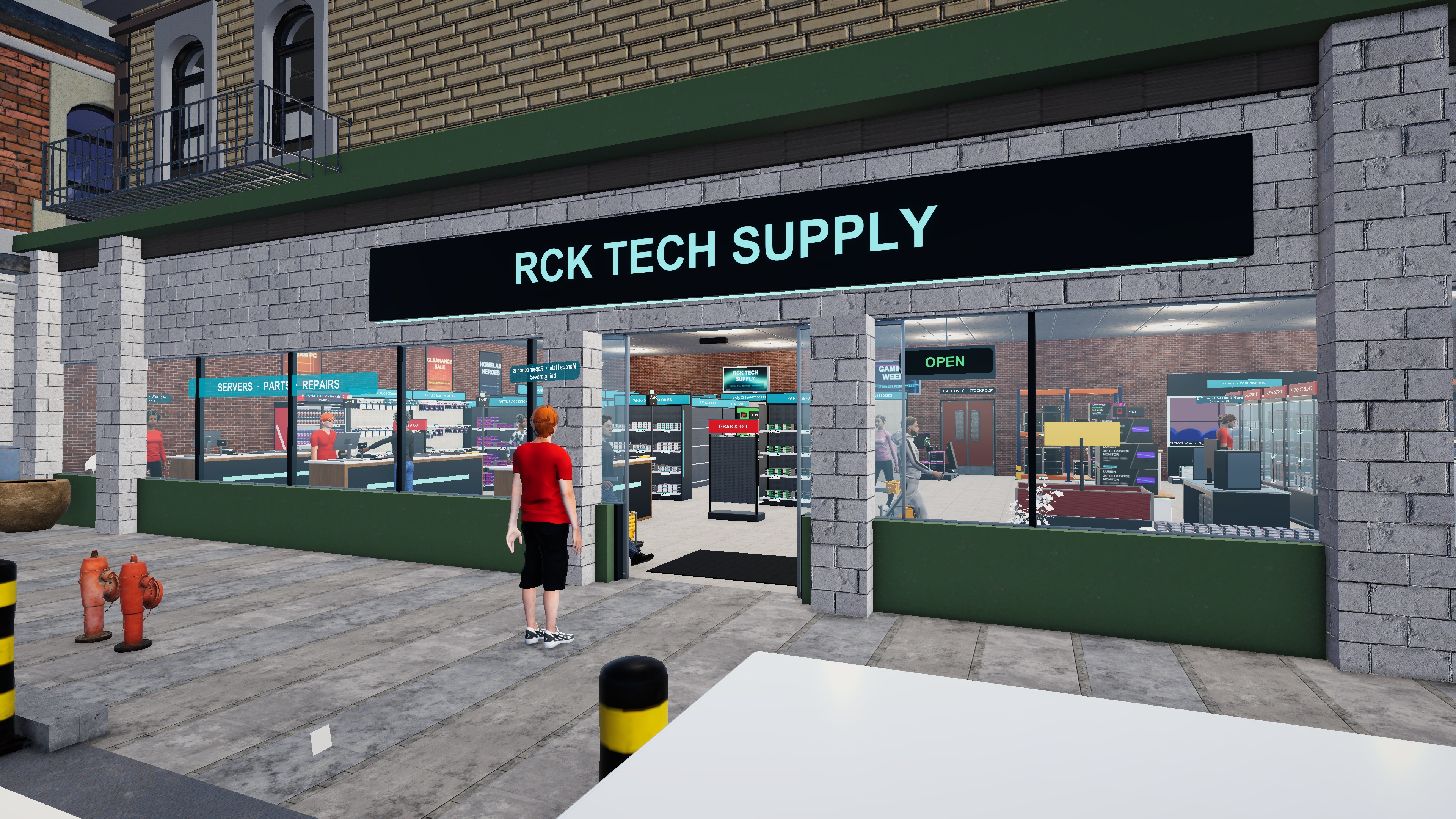 RCK Tech Simulator